
Still Running Repairs on WhatsApp? | OB TECH by Missan
0:43 · Captions on. Loads from YouTube only when you press play.
Teams in 3 countries · Serving clients across the Middle East, Europe, the US and Asia since 2004
OB TECH · Building maintenance · Built by Missan
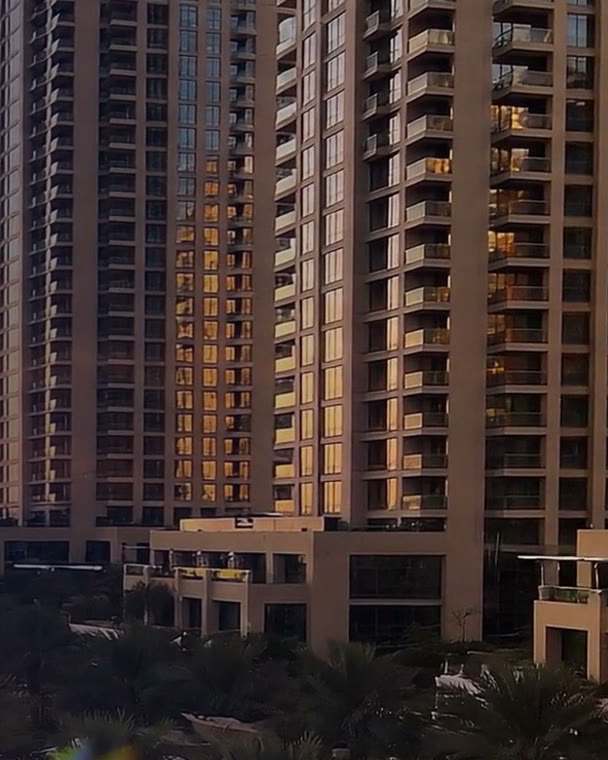
A tap leaks in flat 101. The tenant sends a WhatsApp message, then calls, then someone writes it on paper. Who has the job? When is the visit? What did the parts cost? OB TECH is the building maintenance app Missan built for a Dubai property owner: 92 buildings, 2,989 flats and eight roles in one app.
In 43 seconds
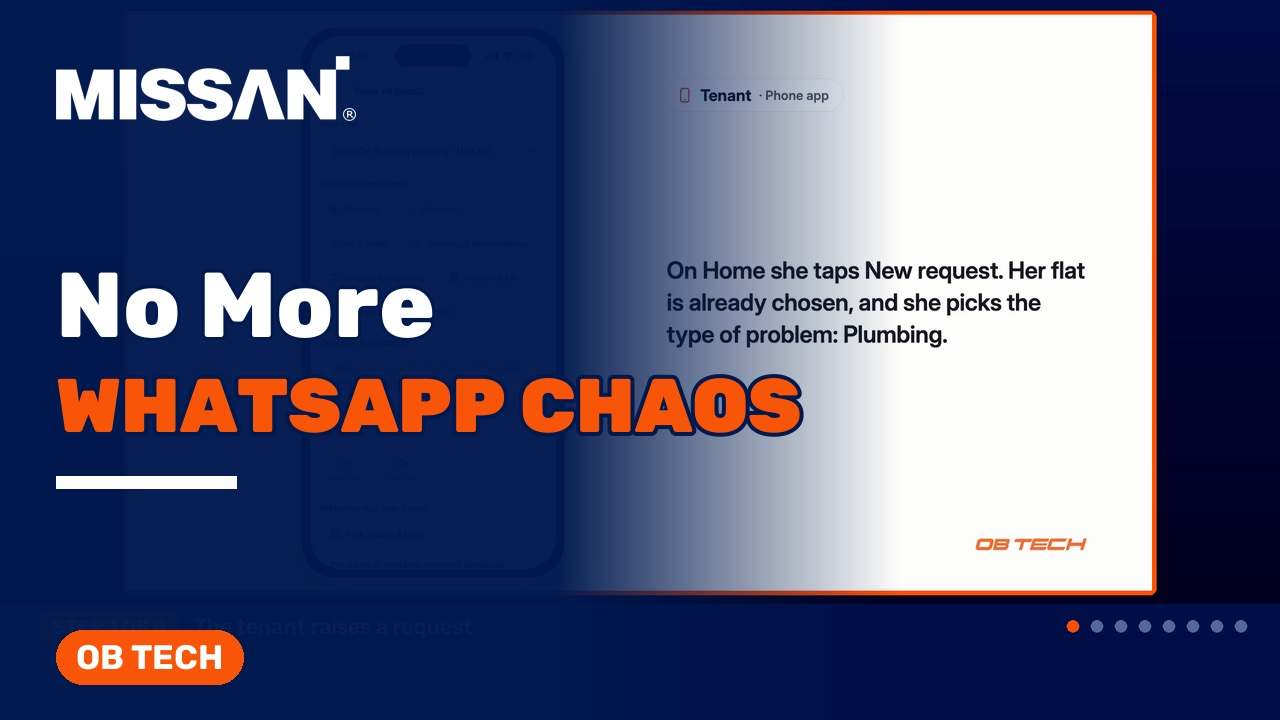
A leaking tap, a message, a call, a piece of paper, and nobody knows who has the job. OB TECH puts every request in one app.
0:43 · Captions on. Loads from YouTube only when you press play.
What OB TECH does
Every request has an owner, every step has a name and a time, and every dirham is accounted for.
Tenants raise a request from the phone, with a photo and a preferred time, and it goes straight to the foreman of that building.
The foreman acknowledges the job and sets the visit time. The supervisor sees every step, live.
The foreman adds a before photo when the job starts and an after photo when it closes.
The store keeper builds a quotation from the catalogue, and the tenant approves it on the phone.
Materials are requested and issued from the store; the foreman collects the cash and the office confirms it.
The tenant signs on the screen, and the request is closed with every step on record.
Open requests, response times, analytics and reports, for every building.
Security reports problems in the common areas, so they join the same flow as tenant requests.
Each role sees its own screens, from the Super Admin to the Tenant.
Who uses it
For a Dubai property owner with 92 buildings and 2,989 flats.
How it works
On the app, with a photo and a preferred time. It goes straight to the foreman of that building.
He acknowledges the job and sets the visit time. The supervisor sees every step, live.
The foreman adds a before photo and starts the job.
He needs parts, so he requests materials from the store.
The store keeper builds a quotation from the catalogue, and the tenant approves it on the phone.
The foreman collects the cash, and the office confirms it.
The materials are issued, and the foreman closes the job with an after photo.
The tenant signs on the screen. The request is closed, with every step on record.
Before and after
Before
After
Built and supported by Missan · 5,000+ clients served since 2004
OB TECH: questions
OB TECH is the building maintenance app Missan built for a Dubai property owner. It covers 92 buildings and 2,989 flats, with eight roles, each with its own screens. Every request, from the tenant's photo to the tenant's signature, is on record.
The tenant raises the request on the phone app, with a photo and a preferred time. It goes straight to the foreman of that building.
If the foreman needs parts, he requests materials from the store. The store keeper builds a quotation from the catalogue, the tenant approves it on the phone, the foreman collects the cash and the office confirms it. Every dirham is accounted for.
The materials are issued, the work is done, and the foreman closes the job with an after photo. The tenant signs on the screen, and the request is closed with every step on record.
The whole operation on one dashboard: open requests, response times, analytics and reports, for every building.
Yes. If your buildings run on WhatsApp, phone calls and paper, Missan can build an app like this for you and support it every day. Talk to us.
Missan can build an app like this for you, and support it every day. Tell us about your buildings.
Send us the brief, the deadline and what you have today. An engineer reviews it and we reply within one business day with next steps.